Wyron · The app
Inside the app
The kettlebell training app that holds each session — the timer, the audio cueing, the logging.
Buy a program, open it in any browser. No app store install. No PDF to track. Lifetime access ships with every program.
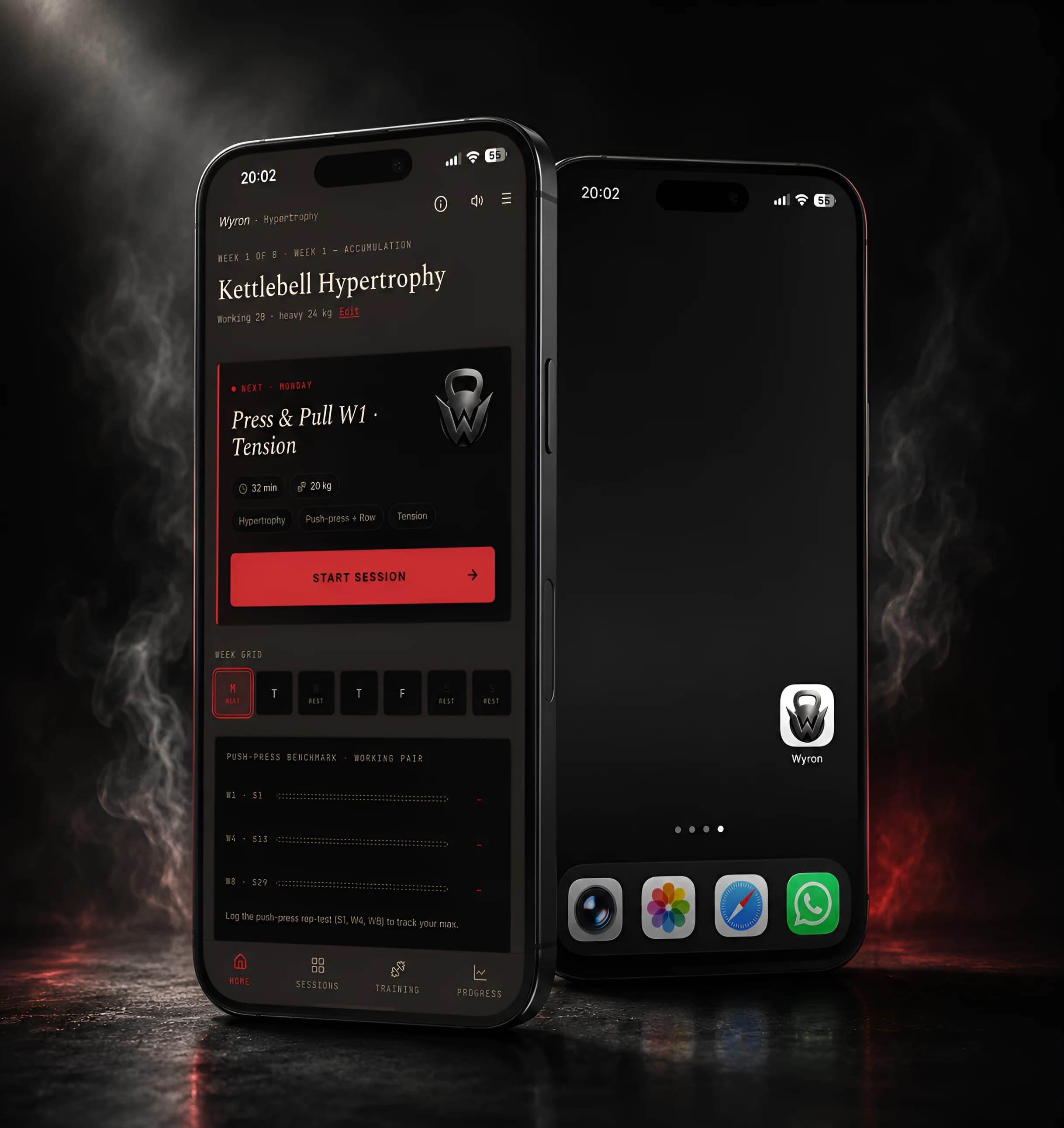
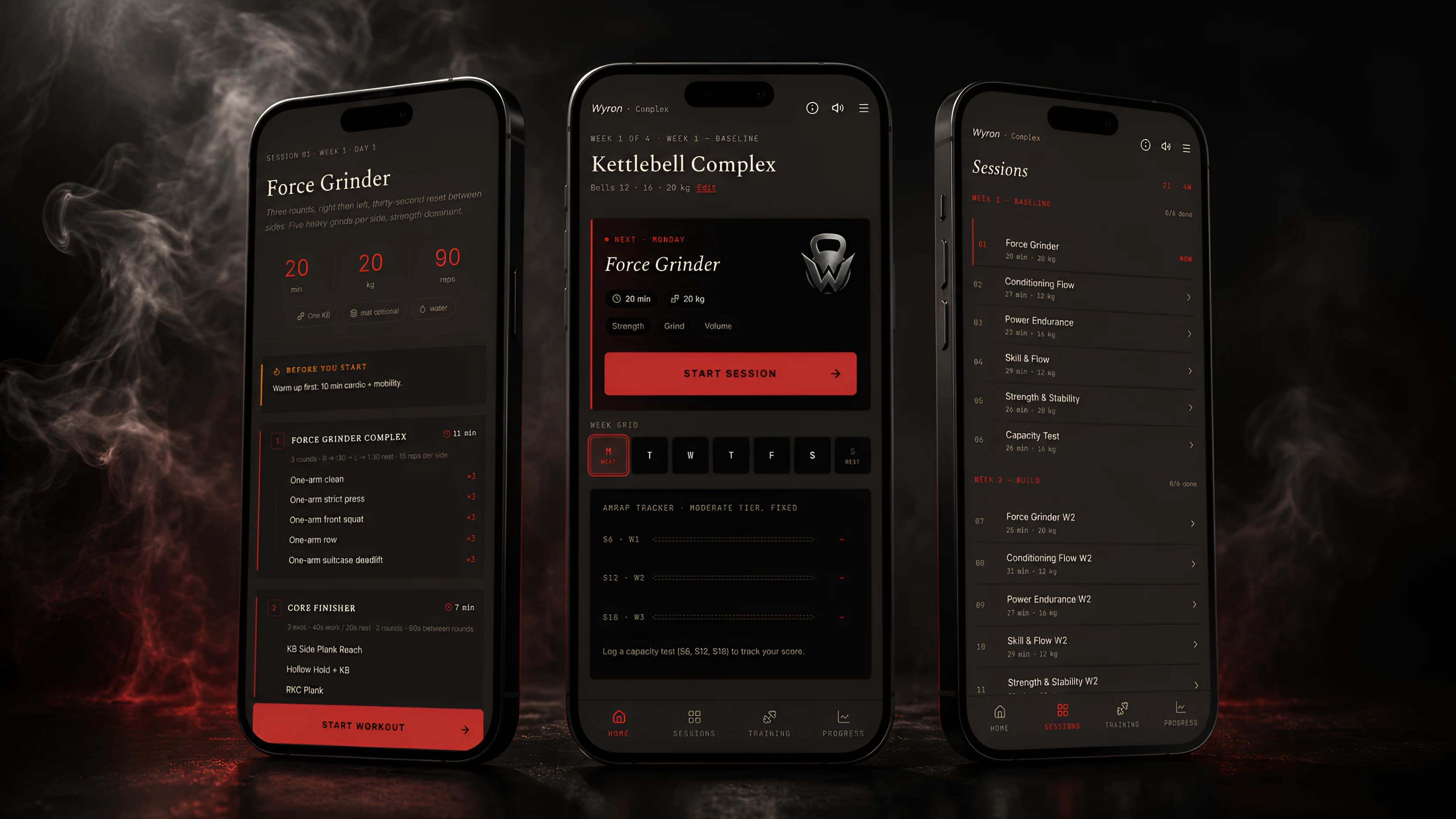
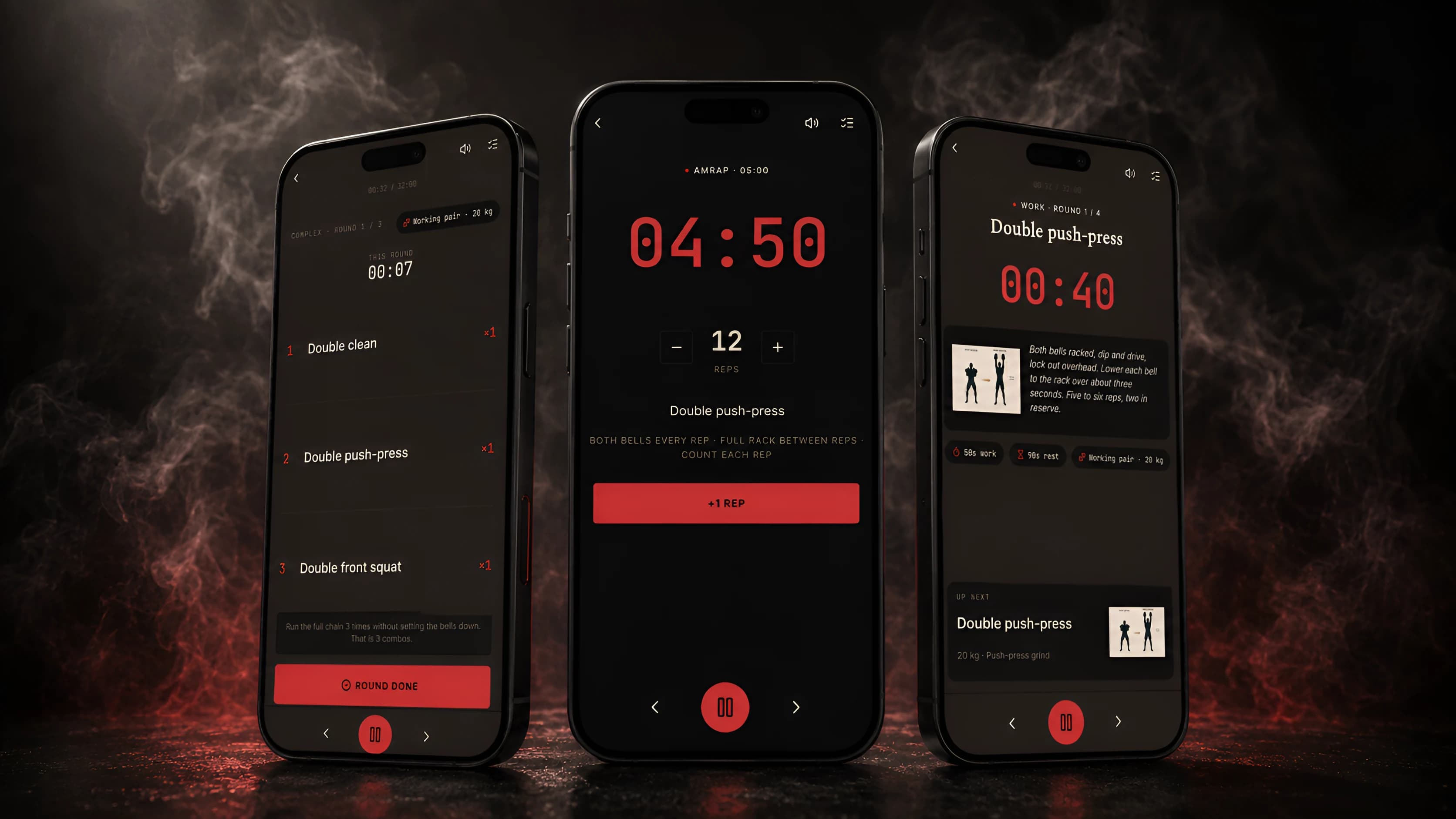
The screens you train with
The home, a free preview, and the week ahead — then the live runner that holds every set.
Four steps to Session 01
Buy
One-time charge. USD. No subscription.
Set your password
An email arrives within seconds. Click the link. Set a password.
Open the app
Sign in at /login. Land on the home screen.
Train
Open Session 01. Follow the runner.
Or try Session 01 free first — email only, no card. Try Session 01 free →
Why it holds up mid-set
Four engineering choices that keep a session running where a streamed app would stall.
Offline
A session opens, loads its data, and runs without the network. Lose Wi-Fi mid-set and nothing breaks. Progress saves to local storage; the logs re-sync when you are back online.
Audio synth
The cues are synthesized in the browser with the Web Audio API, not streamed from MP3 files. Sessions start faster and stay consistent on any connection.
Wake lock
The screen stays awake through a session. A wake lock holds it open so the timer and cues never sleep mid-set.
No app store
No native app, no install. It runs as a Progressive Web App in any modern browser. Add it to a home screen and it launches like a native icon.
The app is the same. Pick your goal.
Every program runs in this same app. Three programs, one each for a different goal.
Six common questions
Do I need to install an app?
What if I lose internet during a session?
Does it work on iPad?
Is there a subscription?
How long is each session?
What if I want a refund?
Start
Open the app on your first session
Wyron is a kettlebell training app that runs as a Progressive Web App, with no app store install and no native download. It opens in any modern browser on iPhone, iPad, Android, or laptop. A session loads and runs offline; lose the connection mid-set and progress saves to local storage. Audio cues are synthesized in the browser with the Web Audio API rather than streamed from MP3 files, and a wake lock holds the screen open through the work. Access comes with any of three one-time program purchases at $59, $79, or $99, and stays for life.